



 In Stock | Next-Day Shipping — order before 11:00 AM
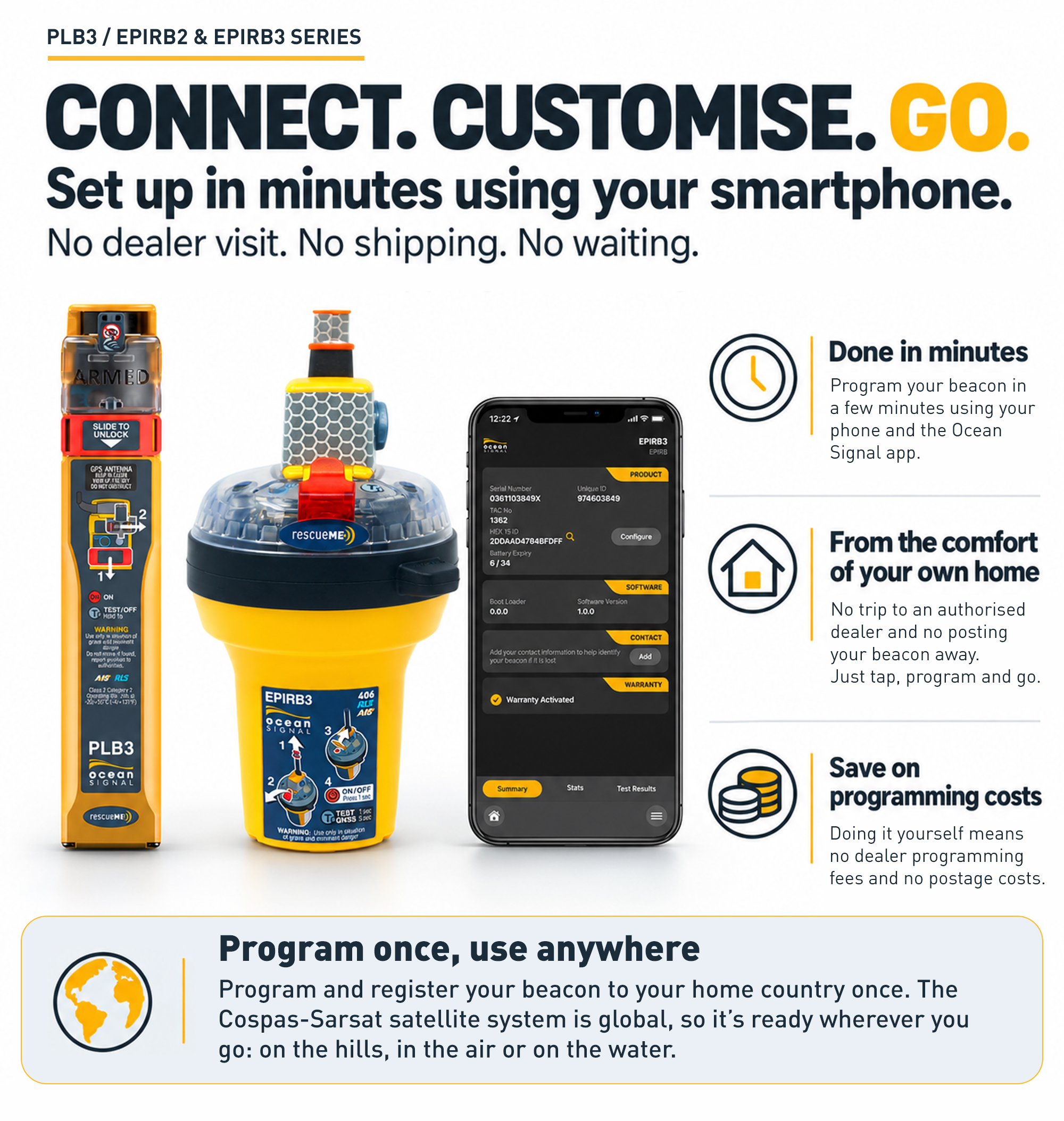
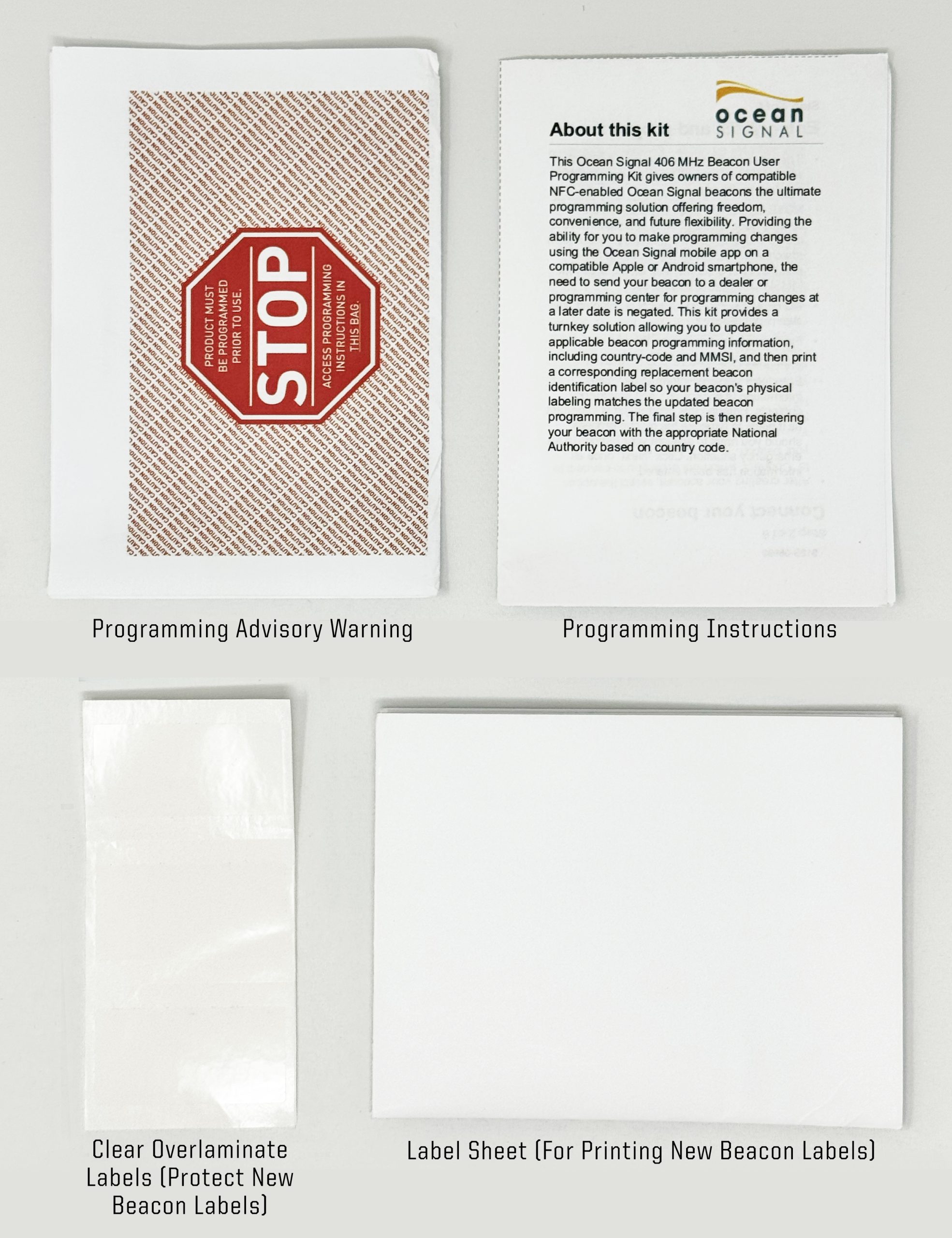
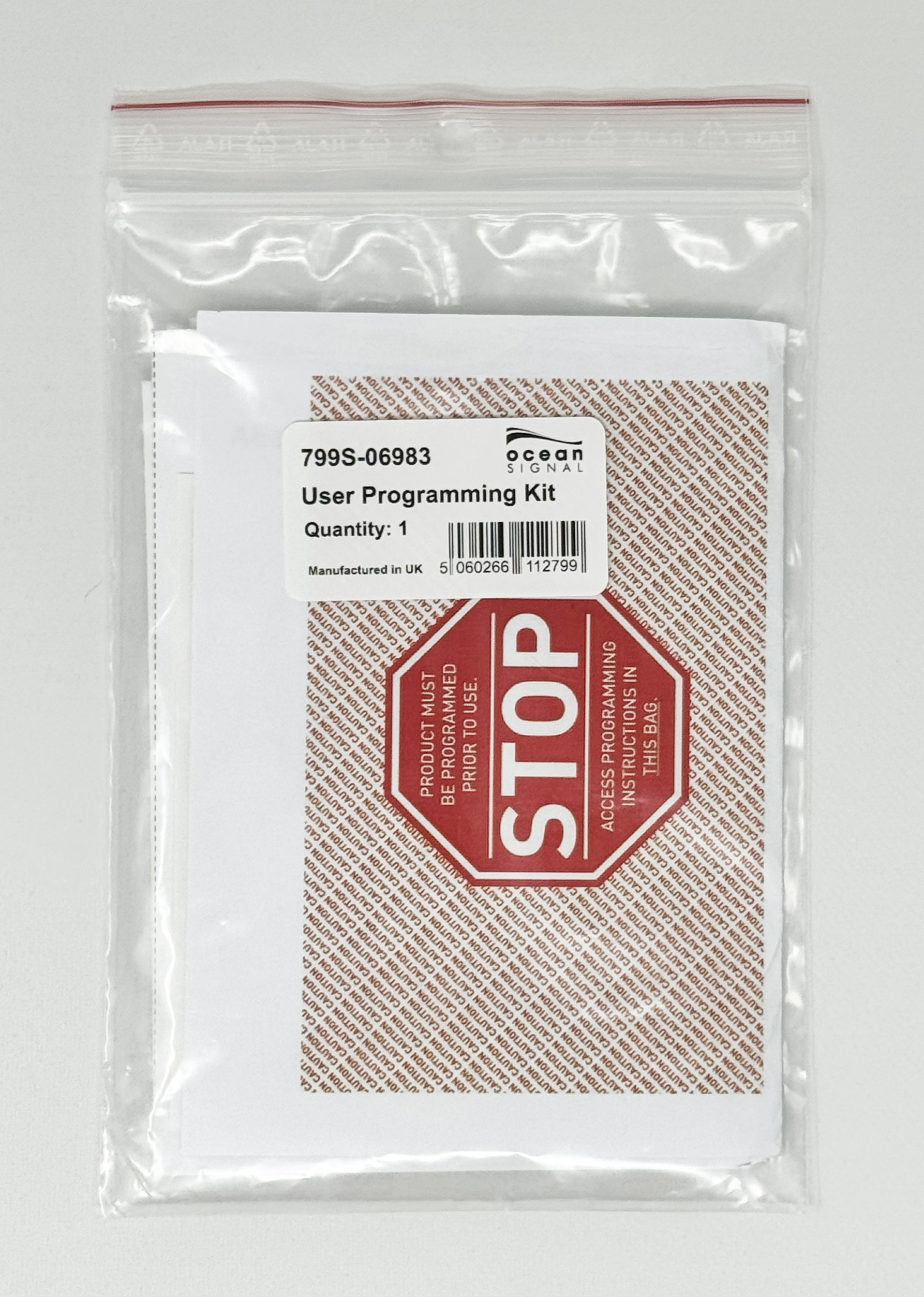
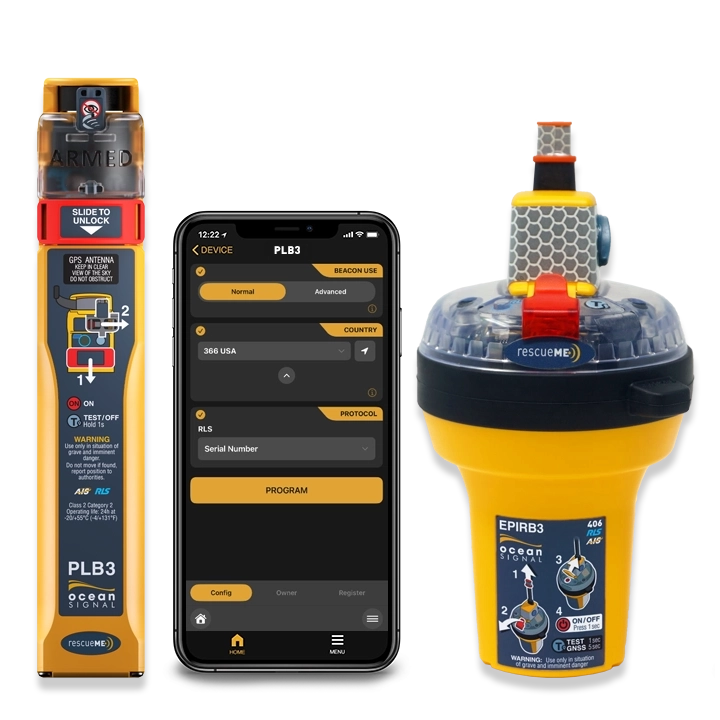
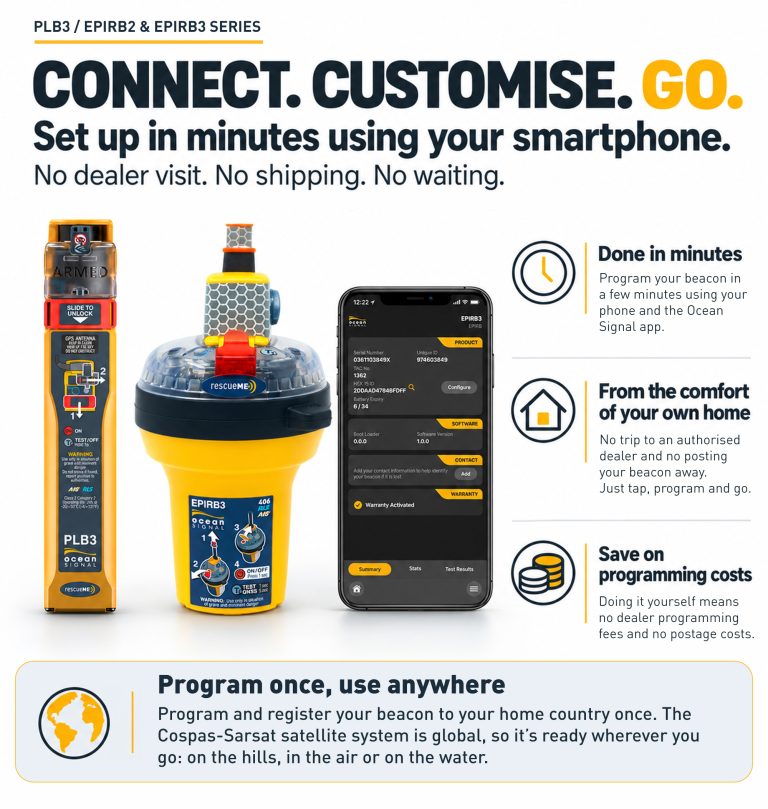
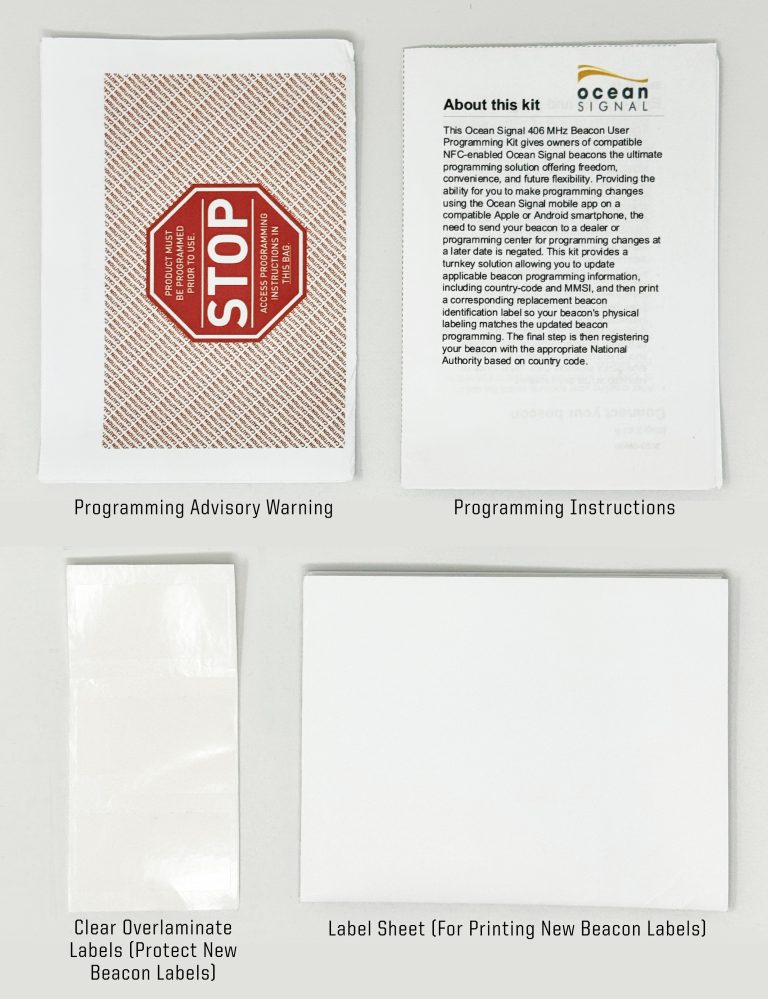
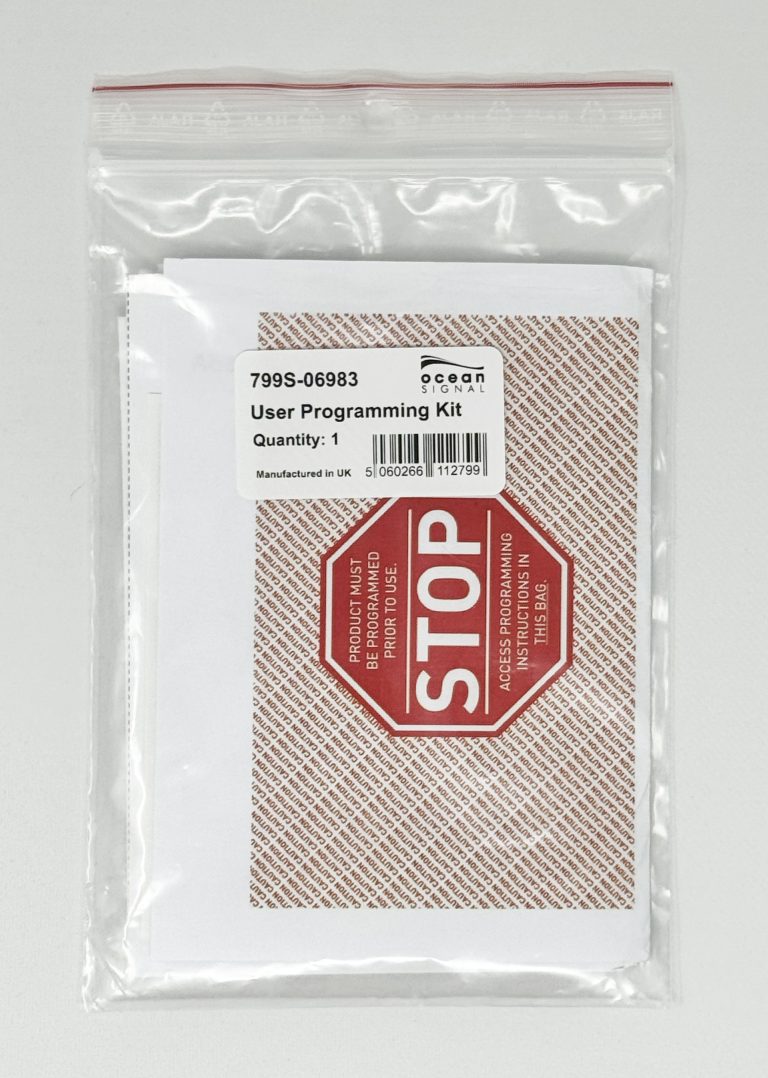
The Ocean Signal 406 MHz Beacon User Programming Kit provides owners of compatible Ocean Signal distress beacons with a convenient way to make supported programming changes using their smartphone.
Your 406 MHz beacon contains digitally programmed identification information that forms part of the distress message transmitted through the Cospas-Sarsat satellite system. This information includes the beacon’s country code, MMSI (in certain cases), and other identification information. When this programmed information needs to change, the User Programming Kit works together with the Ocean Signal mobile app and the beacon’s built-in Near Field Communication (NFC) capability to provide a convenient user-programming solution.
Instead of sending a compatible beacon away solely for supported programming changes, customers can perform the applicable programming procedure using a compatible Apple or Android smartphone.
When Might You Need to Reprogram Your Beacon?
Your beacon may require reprogramming when information encoded into the beacon needs to change.
Common situations can include:
- Changing your Place of Residence – If you move to another country with your PLB, the PLB will need to be reprogrammed with the country code applicable to your new country of residence.
- Changing Your Vessel’s Country of Registration – If your vessel is registered or reflagged in another country, the country coding programmed into your EPIRB may need to be changed to correspond with the new country of registration.
- Purchasing a Vessel or Beacon from Another Country – A beacon purchased with a vessel—or purchased separately in another country—may already be programmed for a different country. Reprogramming may be necessary before registering and using it under the new country.
How it Works
The User Programming Kit works together with compatible Ocean Signal beacons and the Ocean Signal mobile app.
Step 1 — Download the Ocean Signal App
Download the Ocean Signal mobile app to a compatible Apple or Android smartphone.
Step 2 — Connect to the Beacon
Follow the instructions provided with the User Programming Kit and within the Ocean Signal app to communicate with the compatible beacon using NFC.
Step 3 — Select the Applicable Programming
Follow the guided process within the app to make supported programming changes.
Step 4 — Program the Beacon
Complete the programming process and confirm that the new beacon programming has been successfully applied.
Step 5 — Print and Apply the Updated Label
Print the applicable beacon identification label and apply it in accordance with the supplied instructions. NOTE: Access to a standard printer is required.
Step 6 — Update Your Beacon Registration
If the beacon’s identification information has changed, update or create the appropriate registration with the relevant national beacon registration authority.